Worlds and Courses

Build a World for the People You Serve

Bring the guides, videos, meetings, and conversations you already offer into a World in The Known Universe.

If you offer courses, you can connect them to the rest of the World so members can open a resource, find a meeting, or go straight to a lesson from wherever they need it.

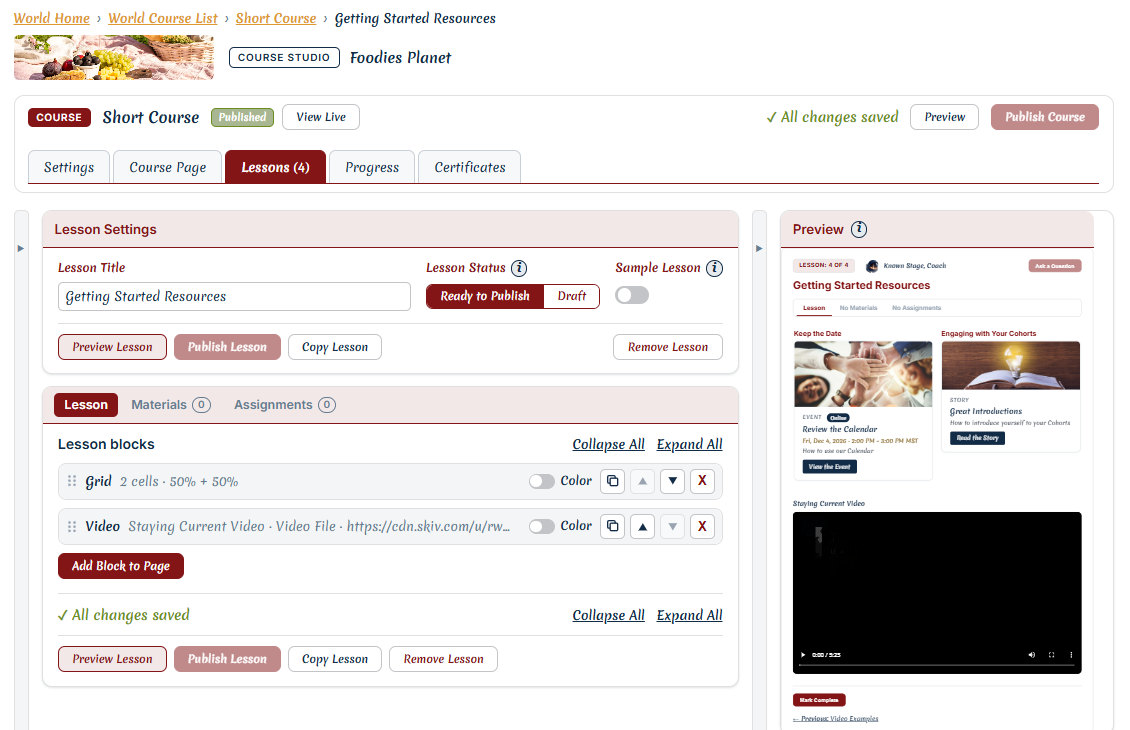
Course Studio: Displays what your learners will see as you build.

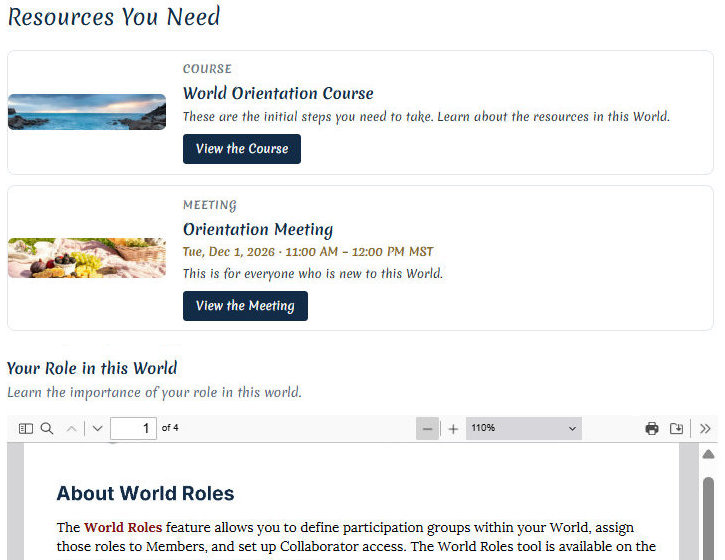
Connect Your Courses, Content, and Meetings

Connect courses, content, and meetings to create a natural path for learning.

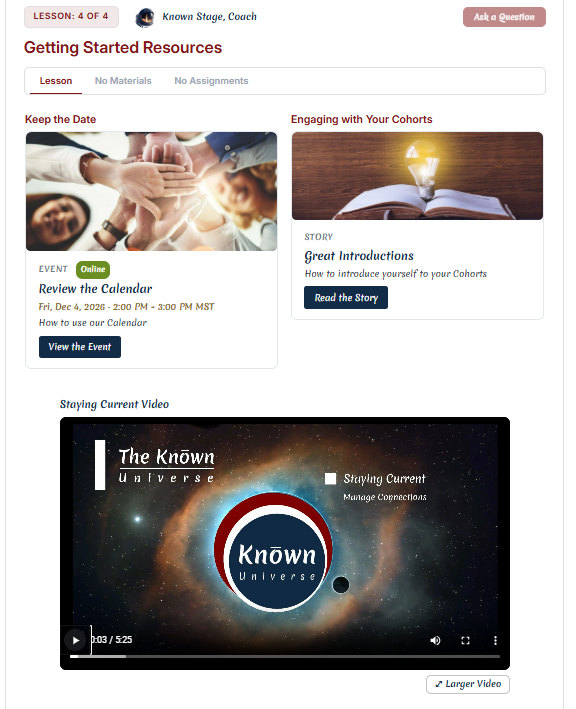
Bring Resources into a Lesson

Add related stories, videos, and calendar events to a lesson. Your learners can open a resource or find a meeting while the material is fresh in their minds.

Connect Stories to Courses and Resources

Use a Content Library story to bring related materials together. Members can open a course, find a meeting, or read a document from the story.

Help New Members Get Started

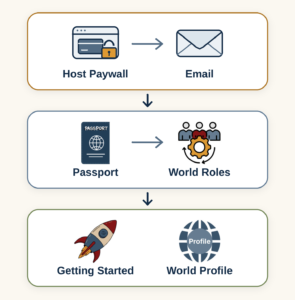
Include a Passport link in the welcome email or signup process you already use. When someone joins through the Passport, they can receive the World Role you’ve chosen for them.

Use your World Profile to introduce members to the World. Then use the Getting Started page to point each group to the course, resources, or meetings they need first.

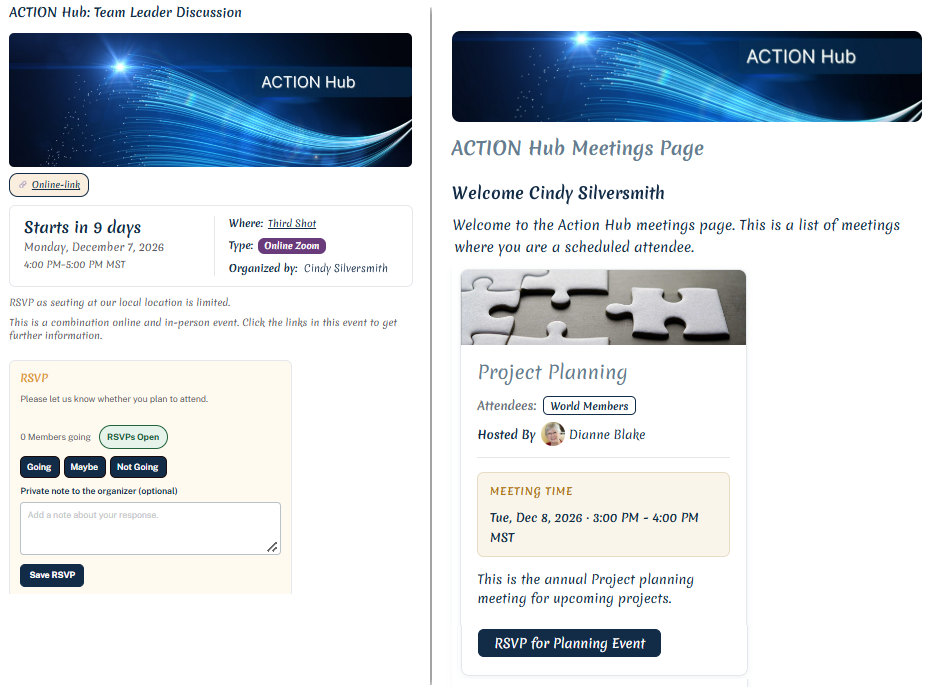
Use Your Existing Meeting Platform

Add your existing meeting link to a calendar event, or create a World Meeting page and connect it to your calendar.

Serve Different Groups in One World

Create World Roles for the groups you already serve, such as Team Leaders, Volunteers, or Clients. Use those roles to give each group the content and updates meant for them.

Set Visibility and Access

Use World Roles to control who can SEE and ACCESS the content you share. These are two separate controls. Those who see content but not access it can request access, which is a great sales opportunity.

Communicate by World Role

Need to send a meeting reminder to your leaders? Select Team Leaders as the recipient role. There’s no need to select recipients one at a time.

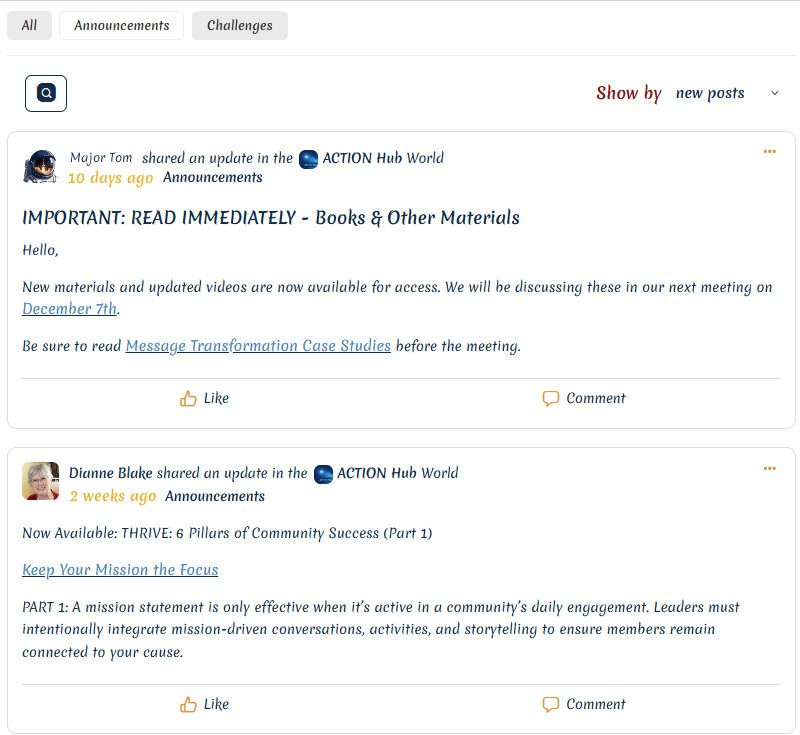
Filter the Activity Feed by Role

An Activity Feed normally displays content to all World Members. But Hosts can control visibility and access through Activity Feed topics, which can be assigned to Roles.